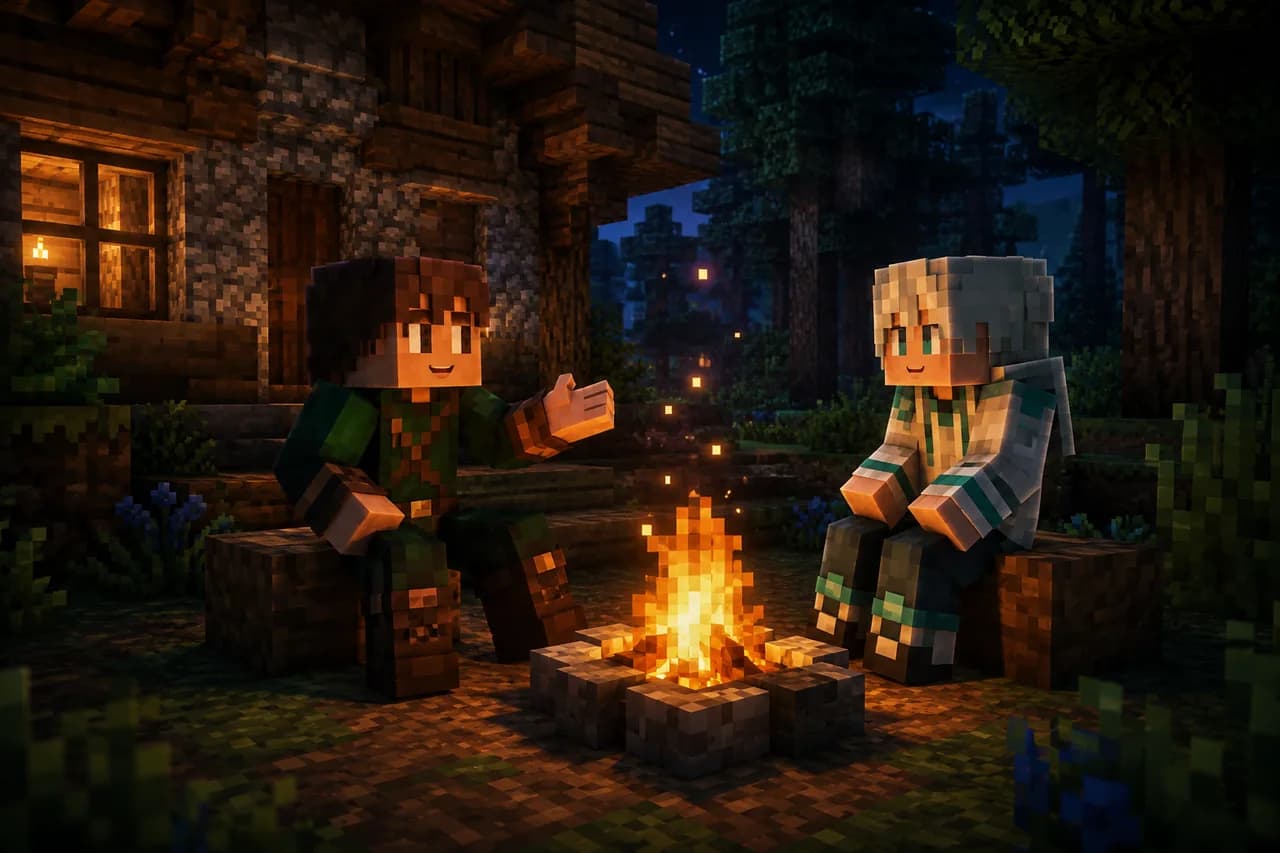
An AI companion for Minecraft on your phone: Mobile Beta is here
Your own Hub world, Survival or Builder, and a companion you can talk to while you play.
VoxelMind Mobile Beta is live. You can now play Minecraft Bedrock on your phone with an AI in your own world on the VoxelMind Hub. Choose Survival or the Builder preview, enable your microphone in the browser and join from the Play page. There is no Minecraft mod to install and no linking code to memorise.
See the Mobile Beta guide or open Play.
Less typing, more playing
On a phone, opening chat interrupts the game and covers much of the screen. Voice makes more sense: say something to your companion and hear its reply while you keep exploring. Your phone’s browser handles microphone input and voice playback. Minecraft runs in the foreground, and the Play tab stays open in the background.
The companion still makes its own decisions. It sees facts from the game, remembers shared experiences and chooses what to say or do. It can misunderstand a request or make an unexpected choice. Voice changes how you talk to it; it does not turn it into a scripted character.
Why we started with the Hub
The Hub gives us a straightforward starting point: each account has its own persistent world, and the AI can join there. You do not need to set up a server or install a mod on your phone. Starting through Play takes you to your own world and brings your AI in with you.
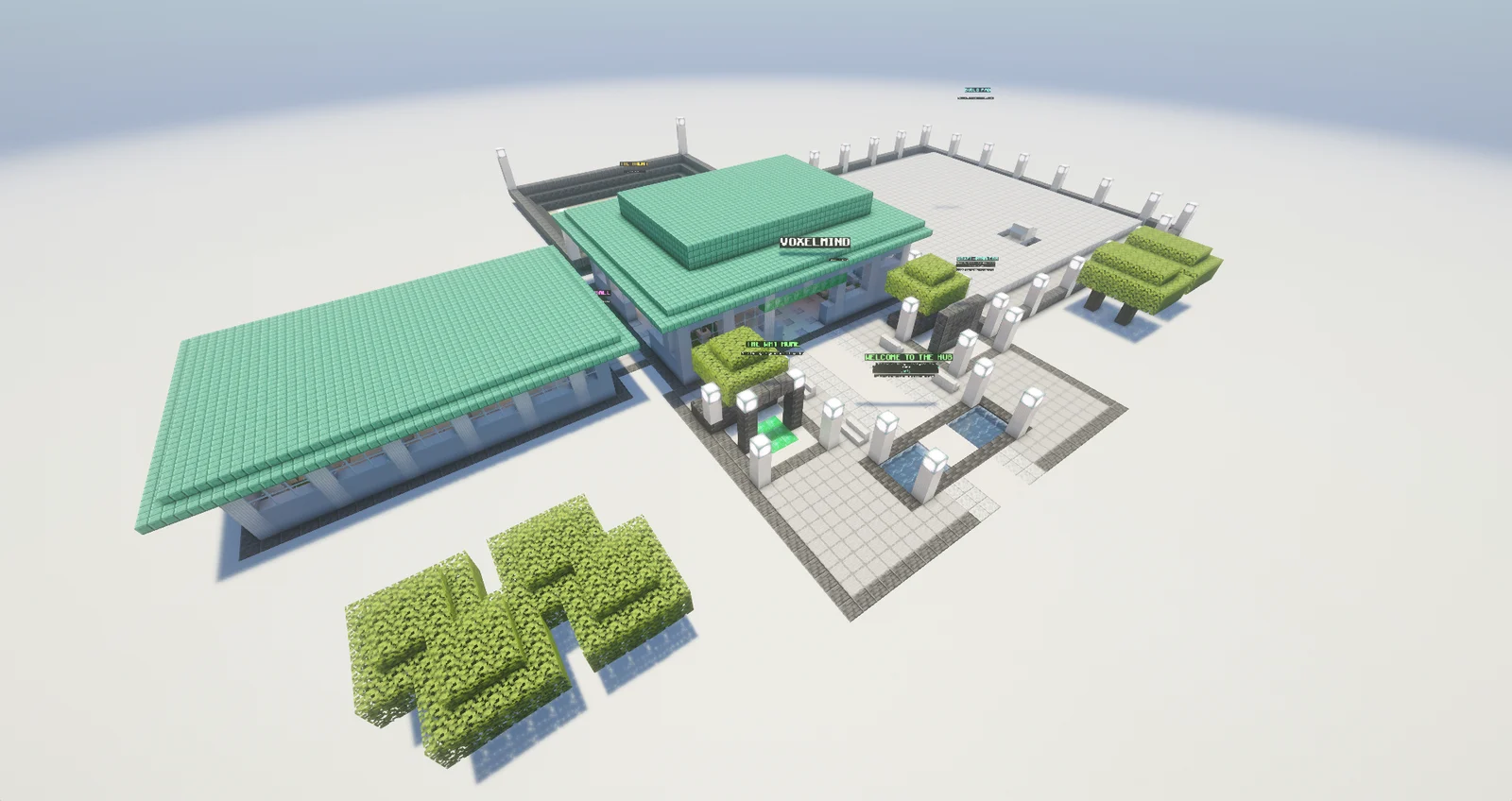
This first beta supports Survival and Builder on our Hub. It does not add a companion to worlds already saved on your phone, Realms or other Bedrock servers. Consoles are outside this release. God Mode remains part of the Java mod experience.
How to start on your phone
- Open Play and sign in to VoxelMind. Create an account if you do not have one. Make sure Minecraft is also signed in to your Microsoft account.
- Name or select your companion. Survival players can choose its skin; Builder uses the creature body it chooses in the world. Then select the mode and allow microphone access in your browser.
- Press Play and join the server it offers in Minecraft. Your Minecraft identity is linked automatically on the first visit. You arrive in your own Hub world and your AI joins you.
Keep the browser tab open while playing. If Minecraft does not open, use “Add server in Minecraft” on Play. If voice stops after switching apps, return to Play and follow its reconnect message.
What we have actually tested
In our iPhone Safari tests, voice input and replies worked after switching from the browser to Minecraft. In one recorded run, the browser recognised “Jetzt bin ich in Minecraft” while it was in the background, and the tester confirmed hearing the reply in Minecraft. Later integrated tests also reached the player’s own world and spawned the companion.
We also encountered interruptions when switching apps and failures during connection setup. Those tests informed the browser’s reconnection handling. Android has not yet been verified, and longer sessions need more device testing. Background audio can depend on the phone and browser. That is why this release is labelled beta.
Start with Free
You can try Mobile with VoxelMind’s Free plan. Active AI time and voice audio have separate allowances. Voice usage includes processed microphone audio and generated speech; leaving the microphone enabled does not by itself consume audio minutes. Minecraft is purchased separately. See Pricing for current allowances and your account for your remaining balance.
Already playing on Java? The existing Fabric mod remains the way to use VoxelMind in your own Java world. Mobile is an additional way into the Hub.
Find the setup guide and compatibility answers, or start the Mobile Beta. If something fails, tell us your phone, browser and the step where it happened in Discord.
Try VoxelMind free
An AI companion that remembers you — free to play, no setup beyond the Fabric mod.