A world that stays
Your own world on the VoxelMind Hub, ready for your next visit. No server setup or mod installation.
MINECRAFT BEDROCK · MOBILE BETA
Explore with an AI companion, talk while you play, or try building together. VoxelMind Mobile brings Survival and Builder to your own persistent world on our Minecraft Hub.
iPhone + Safari tested. Android is not yet verified. You need Minecraft Bedrock on your phone and an internet connection.
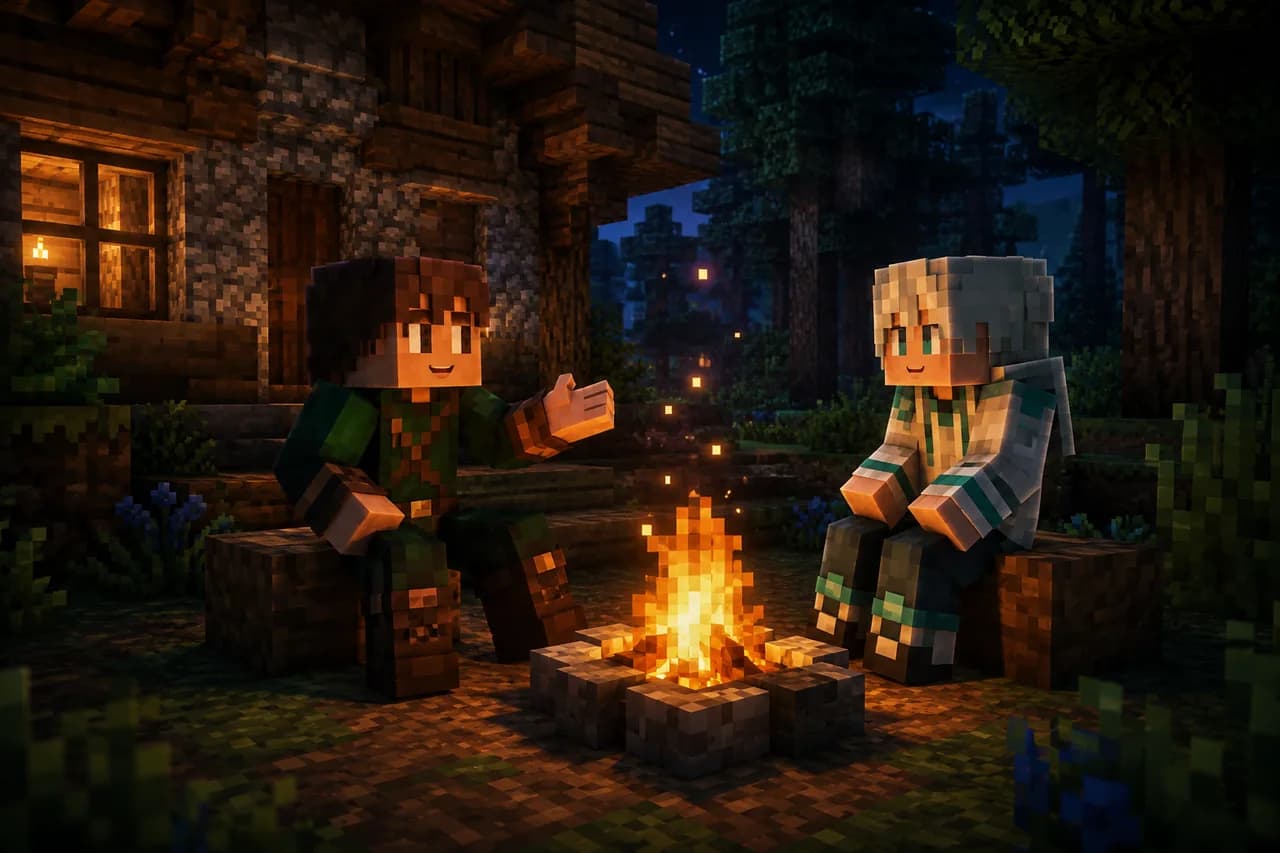
Your own world on the VoxelMind Hub, ready for your next visit. No server setup or mod installation.
Your browser handles the microphone and your companion’s voice. Keep the Play page open when you switch to Minecraft.
Your companion sees the game, remembers experiences and chooses its own actions. Explore in Survival or try the Builder preview.
01 / How to get started
Start on the phone you use for Minecraft. No code to memorise or copy between apps.
Open Play and sign in or create your account. Minecraft should also be signed in to your Microsoft account.
Pick Survival or Builder, then allow microphone access in your browser. Audio comes through this browser while you play.
Follow the Minecraft server prompt and join the server offered by Play. On your first visit, your Minecraft account is linked automatically. You arrive in your own Hub world and your AI joins you.
Keep the browser tab open. If Minecraft does not open, use “Add server in Minecraft” on the Play page. If voice stops, return to Play and follow its reconnect message.
Try Mobile BetaSurvival, the Builder preview and browser voice on the VoxelMind Hub. This beta does not connect to your phone’s existing local worlds, Realms, external Bedrock servers or consoles. God Mode remains a Java mod feature.
We have tested voice on iPhone with Safari, including speaking and hearing replies after switching to Minecraft. Android and longer sessions still need more device testing; uninterrupted background audio is not guaranteed.
Yes, through the VoxelMind Mobile Beta for Minecraft Bedrock on our Hub. You get your own persistent Hub world with Survival or Builder and voice through the browser. iPhone Safari has been tested; Android is not yet verified.
No mod or separate VoxelMind app is needed for the Mobile Beta. You need Minecraft Bedrock, a VoxelMind account, an internet connection and a browser with microphone access. Keep the Play page open while you play.
It worked in our iPhone Safari tests: the browser captured speech and played the AI’s reply while Minecraft was in the foreground. Phone and browser behaviour can vary. If audio stops, return to Play and follow its reconnect message. Android has not yet been verified.
The Mobile Beta runs in your own world hosted on the VoxelMind Hub. Local Bedrock worlds, Realms, other Bedrock servers and consoles are outside this beta.
You can start with VoxelMind’s Free plan. Active AI time and voice audio have separate allowances; processed microphone audio and generated voice both count toward voice usage. Check Pricing for current plans and your account for your remaining balance. Minecraft is purchased separately.
No. Start from the Play page and join the Minecraft server it offers. Your Minecraft identity is linked to your VoxelMind account automatically when you join.